



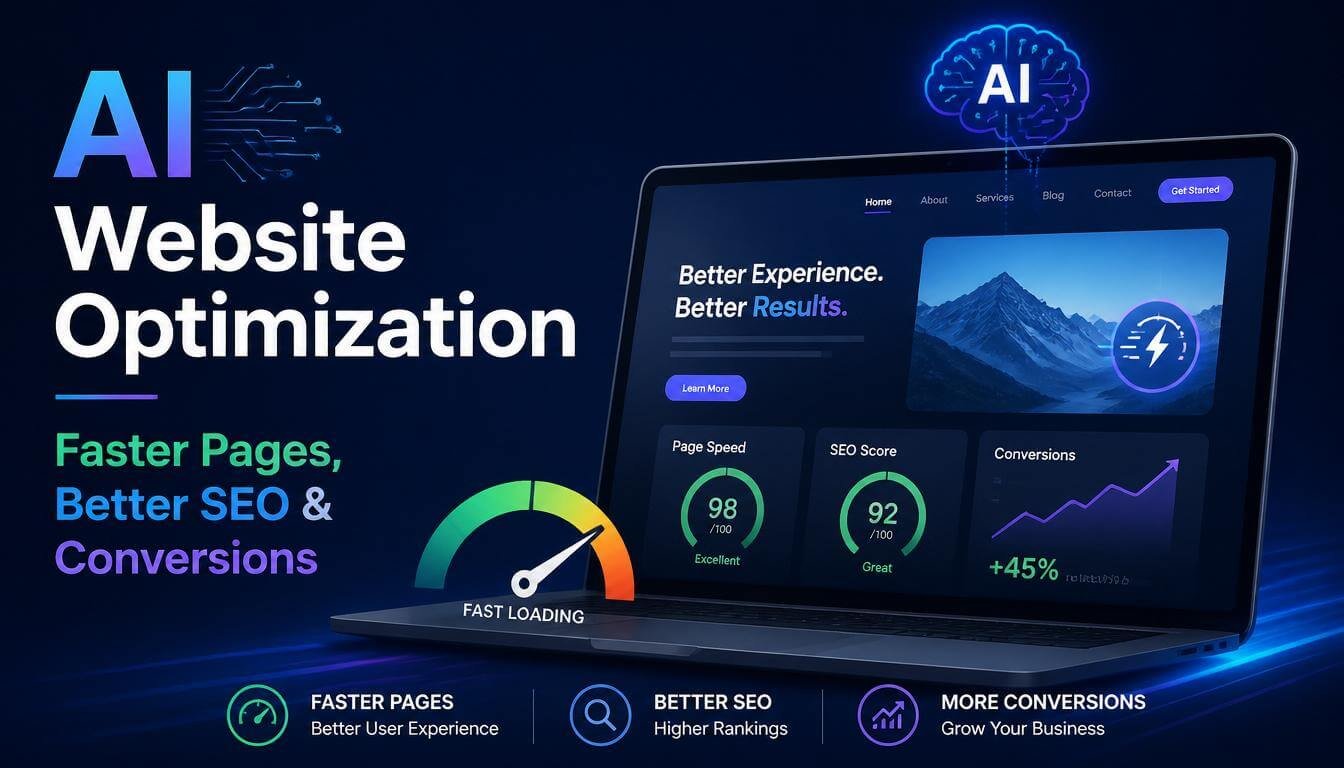
Website speed has become one of the biggest factors affecting online success. A visitor doesn’t care how much effort went into building your website. They only care about one thing: does it load quickly and give them what they need? If your pages take too long to appear, people leave. They don’t wait around to discover your products, read your content, or complete a purchase.
A slow website creates problems everywhere:
- Lower search visibility
- Poor user experience
- Fewer conversions
- Higher bounce rates
- Lost revenue opportunities
The challenge is that modern websites are heavier than ever. High-resolution images, videos, tracking scripts, animations, plugins, and third-party tools all add extra weight. Even a well-built website can become slow over time. Traditional website optimization helps, but it often requires constant manual work.
You need to compress images, convert file formats, optimize scripts, manage caching, check Core Web Vitals, and fix performance issues as they appear. For many website owners, this becomes another full-time task. This is where AI website optimization changes the approach.
Instead of manually handling every performance improvement, AI can analyze your website, automate repetitive tasks, and continuously improve how your content is delivered. The result is a faster website, a smoother browsing experience, and more opportunities to turn visitors into customers.
In this guide, you’ll learn:
- What AI website optimization means
- How AI improves website speed
- Why image optimization matters for SEO
- How AI helps improve Core Web Vitals
- How automated optimization can increase conversions
- How WordPress users can simplify performance management with AI
What Is AI Website Optimization?
AI website optimization is the process of using artificial intelligence to improve website speed, performance, and user experience automatically. Instead of following fixed optimization rules, AI analyzes your website data and makes smarter decisions based on your content and visitors. Think about image optimization as an example.
A traditional approach might require you to:
- Upload an image
- Resize it manually
- Compress it
- Convert it to WebP or AVIF
- Add alt text
- Check if another copy already exists
Doing this once is easy. Doing it hundreds or thousands of times becomes frustrating. AI removes much of that manual effort by handling these steps automatically.
It can:
- Compress images while keeping quality
- Generate image metadata
- Convert media into modern formats
- Detect unnecessary files
- Improve loading behavior
- Optimize content delivery
The goal isn’t just making websites faster. The goal is creating a website that stays fast as it grows.
Why Website Speed Matters More Than Ever
Speed affects every part of your website performance. A visitor who experiences delays is less likely to explore your pages, sign up, or purchase. Research has consistently shown that users expect websites to respond quickly. Even small delays can influence whether someone stays or leaves. Search engines also care about user experience.
Google uses page experience signals, including Core Web Vitals, to understand how users interact with websites. Important performance factors include:
Largest Contentful Paint (LCP)
This measures how quickly the main content of a page becomes visible. Large images, slow servers, and heavy resources can increase loading time.
Interaction to Next Paint (INP)
This measures how quickly a page responds when a visitor interacts with it. A website that feels slow after clicking a button creates frustration.
Cumulative Layout Shift (CLS)
This measures unexpected movement on a page. Have you ever tried clicking something, but the page moved and you clicked the wrong button? That’s a layout shift. AI optimization helps improve these areas by reducing unnecessary files, optimizing images, and improving how resources load.
Why Images Are Usually the Biggest Performance Problem
Images make websites attractive. They also make websites heavy. A single high-resolution image from a modern camera or smartphone can be several megabytes. Multiply that across dozens of images on a website, and page size grows quickly. Many website owners make the same mistake: They upload images directly from their devices without optimization. The image may look perfect, but visitors have to download all that extra data.
A better approach is automatic image optimization. AI can analyze images and decide:
- The best compression level
- The right format
- The correct size
- Whether additional optimization is needed
This creates smaller files without making your website images look low quality. Learning proper image optimization techniques can significantly reduce page weight while keeping your visuals sharp.
How AI Improves Website Performance
AI website optimization works by solving the problems that slow websites down most often.
Automatic Image Compression
Image compression is one of the easiest ways to improve website speed. The problem is consistency. Some images need more compression. Others need higher quality. AI can evaluate each image and apply the right settings automatically. Instead of manually optimizing every upload, your website can process images as part of your normal workflow.
WebP and AVIF Image Conversion
Modern image formats like WebP and AVIF help reduce image file sizes while maintaining visual quality. However, converting hundreds of images manually is time-consuming. AI-powered optimization can automatically create next-generation image formats and serve lighter files to visitors.
This helps:
- Improve loading speed
- Reduce bandwidth usage
- Support better Core Web Vitals scores
- Improve mobile performance
Smarter Lazy Loading
Not every image needs to load immediately. A visitor opening a page doesn’t need images at the bottom of the page before they start reading. Lazy loading delays those images until they are needed. AI helps manage this process intelligently, allowing important content to appear faster while reducing the initial page load.
AI-Powered Website Optimization Inside WordPress
Optimizing a website manually takes time. You might start with good intentions. You compress images, clean up your media library, and improve performance settings. Then your website grows. New blog posts are published. New products are added. More images are uploaded. New plugins are installed. Slowly, performance problems return. The solution is not doing more manual work. The solution is creating an automated workflow.
An AI-powered optimization system helps handle the repetitive tasks that usually slow down website management. For WordPress users, Next3 Offload brings AI-powered optimization directly into the existing media workflow. Instead of switching between multiple tools, website owners can automate image optimization tasks during their normal upload process.
The AI addon helps with:
- Image compression
- WebP and AVIF conversion
- Automatic alt text generation
- Captions and descriptions
- Background removal
- Duplicate media detection
- Lazy loading
- Responsive image delivery
The biggest advantage is simplicity. Configure your preferred settings once, and AI handles the repetitive optimization work automatically.
Automatically Compress Images with AI
Large image files are one of the most common reasons websites become slow. Many website owners know they should optimize images, but manually compressing every upload is not realistic. AI-powered image compression solves this problem by automatically reducing file sizes while keeping images visually sharp. You can define your preferred quality rules and let AI optimize new uploads as they are added to your website.
This helps create:
- Faster page loading
- Smaller media files
- Better mobile performance
- Improved user experience
The process happens in the background, so your content workflow stays simple. Upload an image. AI handles the optimization.
Generate SEO-Friendly Alt Text Automatically
Images are important for both users and search engines. The problem is that many websites have missing or poorly written alt text. Adding descriptions manually can take hours, especially for online stores, blogs, and websites with large media libraries. AI can analyze images and create relevant alt text automatically. It can also generate captions and descriptions that provide more context.
This improves:
- Image accessibility
- Search engine understanding
- Content quality
- Image SEO opportunities
Instead of leaving image metadata empty, every upload becomes more useful.
Convert Images to WebP and AVIF Automatically
Image formats have changed. Older formats like JPEG and PNG still work, but modern formats such as WebP and AVIF offer better compression. They reduce file size while keeping images looking clean. The challenge is converting images manually. An AI-powered workflow can automatically generate these formats during upload. Visitors receive optimized images without website owners having to manage multiple files themselves. This creates a better balance between quality and speed.
Remove Image Backgrounds Automatically
Product images, profile photos, and promotional banners often need clean backgrounds. Normally, removing backgrounds requires external editing software or additional steps. AI-powered background removal simplifies the process. With integrated background removal tools, images can be processed directly as part of your website workflow.
This is especially useful for:
- Online stores
- Product catalogs
- Landing pages
- Marketing graphics
- Team profile pages
Less editing time means faster content publishing.
Find and Remove Duplicate Media Files
Media libraries can become messy over time. A website may contain multiple copies of the same image without anyone noticing. These duplicate files waste storage and make media management harder. AI-powered duplicate detection scans your media library and identifies repeated files.
This helps you:
- Clean unnecessary files
- Reduce storage usage
- Organize your WordPress dashboard
- Maintain a healthier website
A cleaner media library also makes future optimization easier.
Serve the Right Image Size for Every Device
A desktop monitor and a smartphone do not need the same image size. Sending large desktop images to mobile users wastes bandwidth and slows down loading. Responsive image optimization solves this by delivering the right size for each screen. AI can automatically create and serve properly sized images based on the visitor’s device.
The result:
- Faster mobile pages
- Reduced data usage
- Better user experience
- Improved performance scores
Improve SEO with AI Website Optimization
Website speed and SEO are closely connected. Creating great content is important, but visitors and search engines also need a smooth experience. AI website optimization helps improve several areas that support better search performance.
Better Core Web Vitals
Core Web Vitals measure how users experience your website. Slow images, heavy scripts, and delayed loading can negatively affect these scores.
AI helps by:
- Reducing image sizes
- Improving resource loading
- Delaying unnecessary content
- Optimizing page delivery
Learn more about improving these metrics in our complete Core Web Vitals optimization guide.
Better Image SEO
Search engines cannot see images like humans do. They rely on information such as alt text, filenames, and surrounding content. AI-generated image descriptions give search engines more context. This can improve your chances of appearing in image search results.
Faster Mobile Experience
Most website visitors browse from mobile devices. Mobile networks are often slower than desktop connections. A lightweight website gives mobile users a faster and smoother experience. That means fewer frustrated visitors and more opportunities for engagement.
How AI Optimization Increases Conversions
Website performance affects business results. A visitor who leaves because of slow loading never becomes a customer. A visitor who enjoys a fast experience is more likely to:
- Read more content
- View more products
- Submit a form
- Complete a purchase
- Return later
Speed builds trust. A fast website feels professional and reliable. Whether you run an online store, a blog, or a business website, improving performance creates more chances for visitors to take action.
Why Automation Is the Future of Website Optimization
The biggest advantage of AI is not one single feature. It is automation. Website optimization used to require many separate tasks:
- Resize images
- Compress files
- Convert formats
- Write metadata
- Check performance
- Remove unnecessary files
AI combines these tasks into a smoother workflow. Instead of spending time maintaining performance, website owners can focus on creating content, growing traffic, and serving customers. That is the real value of AI website optimization. It saves time while keeping websites fast.
Common Website Optimization Mistakes to Avoid
Even with powerful optimization tools, some mistakes can still slow down your website. Understanding these problems helps you build a faster and more reliable website.
Uploading Images Without Optimization
One of the most common mistakes is uploading images exactly as they come from a camera or smartphone. Modern devices create high-quality images, but those files are often much larger than needed for websites. Before an image reaches your visitors, it should be compressed, resized, and delivered in the right format. AI automation makes this easier by handling optimization during the upload process.
Installing Too Many Performance Plugins
Adding more plugins does not always make a website faster. Sometimes, using multiple optimization tools creates conflicts and unnecessary overhead. A better approach is choosing solutions that work together and handle multiple performance tasks from one workflow.
Ignoring Image SEO
Many website owners focus only on page speed and forget about image optimization for search engines. Missing alt text, poor file names, and oversized images can reduce the value of your media content. Every image is an opportunity to improve accessibility and help search engines understand your pages.
Optimizing Once and Forgetting About It
Website optimization is not a one-time job. Websites change every day. New images are uploaded. Content grows. Plugins are updated. Design elements change. A website that was fast six months ago may become slower over time. Continuous optimization helps maintain performance as your website grows.
Best Practices for AI Website Optimization
AI works best when combined with smart website management. Follow these practices to get the most from automated optimization:
Keep Your Website Updated
Outdated themes, plugins, and WordPress versions can affect security and performance. Regular updates help maintain a healthy website.
Use Modern Image Formats
WebP and AVIF provide excellent quality with smaller file sizes. Using modern formats helps reduce page weight and improve loading speed.
Monitor Core Web Vitals
Performance testing helps you understand how visitors experience your website.
Pay attention to:
- Loading speed
- Mobile performance
- Page stability
- User interaction response
Remove Unused Media Files
A clean media library improves organization and reduces unnecessary storage usage. Regular cleanup prevents your website from collecting unused files over time.
Automate Repetitive Tasks
The more your website grows, the more valuable automation becomes. Tasks like image compression, metadata creation, and format conversion are perfect examples of work AI can handle.
Frequently Asked Questions About AI Website Optimization
What is AI website optimization?
AI website optimization uses artificial intelligence to improve website speed, performance, and user experience automatically. It can analyze content, optimize files, and automate tasks that normally require manual work.
Can AI make my website faster?
Yes. AI can improve website speed by compressing images, converting files into modern formats, optimizing resource delivery, and reducing unnecessary loading.
Does AI website optimization help SEO?
AI does not directly guarantee higher rankings. However, it improves important SEO-related factors such as page speed, Core Web Vitals, accessibility, and image optimization. These improvements can support better search performance.
Can AI generate image alt text?
Yes. AI can analyze images and create descriptive alt text, captions, and descriptions automatically. This helps improve accessibility and gives search engines more information about your images.
Is AI optimization useful for WordPress websites?
Yes. WordPress websites often contain many images and media files, making optimization especially valuable. AI tools can automate many tasks that would otherwise require manual editing.
Do I need technical skills to use AI website optimization?
Most AI optimization tools are built to simplify the process. Instead of editing code or managing complicated settings, users can configure their preferences and let automation handle repetitive tasks.
The Future of Website Performance Is Automated
Website speed will continue to become more important. Visitors expect fast experiences. Search engines reward websites that provide better usability. The challenge is that websites keep becoming more complex. more content, more images, more features, more things that can slow pages down. AI website optimization provides a smarter way to manage performance. Instead of manually fixing problems after they appear, AI helps prevent issues by continuously improving your website workflow.
For WordPress users, combining AI optimization with a media management and offload workflow creates an efficient way to keep websites fast as they grow. With tools like Next3 Offload’s AI-powered optimization addon, website owners can automate important tasks such as image compression, WebP and AVIF generation, AI-generated alt text, background removal, duplicate detection, lazy loading, and responsive image delivery.
The result is simple:
- Faster pages.
- Better SEO foundations.
- A smoother experience for visitors.
- More opportunities to convert traffic into customers.
AI is changing how websites are optimized. The websites that adapt early will have a clear advantage in speed, performance, and user experience.






Comments
Congratulations, you have the opportunity to be the first commenter on this article.
Have a question or suggestion? Please leave a comment to start the discussion.