



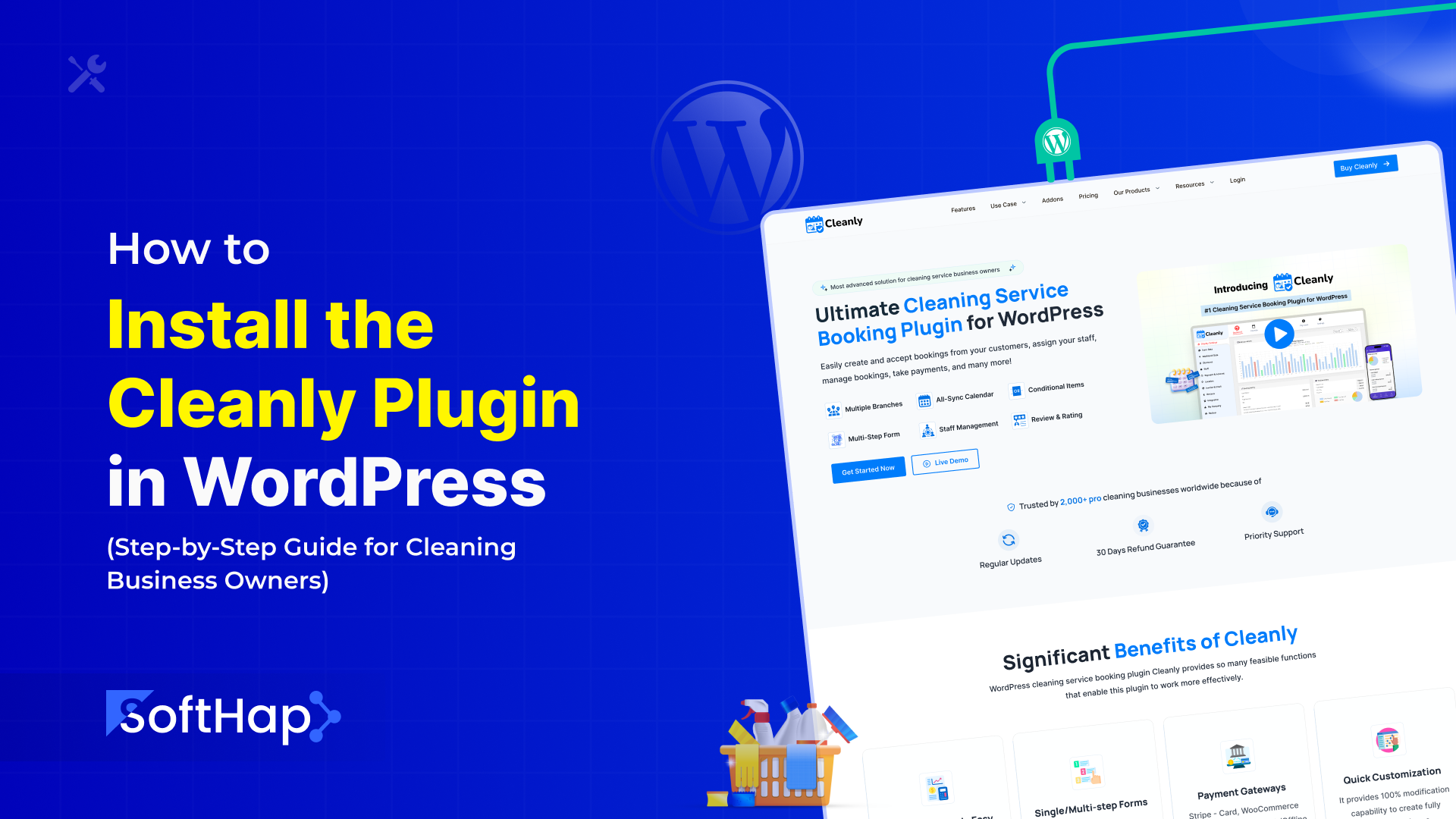
Running a cleaning business today is no longer just about doing great work.
It’s about being easy to book, easy to trust, and easy to pay.
Most customers don’t want to call.
They don’t want to wait for a reply.
They want to book a cleaning service online in under a minute.
That’s exactly why many cleaning business owners choose Cleanly.
In this guide, you’ll learn how to install and activate the Cleanly plugin in WordPress, step by step, even if you’ve never installed a plugin before.
This article is written specifically for:
- Residential cleaning businesses
- Commercial cleaning companies
- Solo cleaners and cleaning agencies
- Non-technical business owners
No coding. No jargon. Just clear instructions.
What Is the Cleanly Plugin?
Cleanly is a WordPress plugin designed specifically for cleaning service businesses. It allows customers to:
- Book cleaning services online
- Choose services, pricing, and schedules
- Submit booking requests without calling
- Receive a smooth, professional booking experience
For business owners, Cleanly helps you:
- Reduce phone calls and manual scheduling
- Capture more leads automatically
- Look more professional and trustworthy
- Scale without hiring admin staff
In short, Cleanly turns your website into a 24/7 booking assistant.
Why Cleaning Businesses Need an Online Booking System
Many cleaning businesses still rely on:
- Phone calls
- WhatsApp messages
- Facebook DMs
- Manual spreadsheets
This creates problems.
Common issues without online booking
- Missed calls = lost customers
- Back-and-forth messages waste time
- Customers book competitors instead
- Scheduling mistakes happen easily
An online booking system fixes this by letting customers book instantly, even when you’re busy cleaning.
What You Need Before Installing Cleanly
Before installing the Cleanly plugin, make sure you have:
- A WordPress website
- Admin access to your WordPress dashboard
- A domain and hosting are already set up
- Basic internet browsing skills
That’s it.
You do not need:
- Coding knowledge
- A developer
- Technical experience
Step 1: Log In to Your WordPress Dashboard
Start by logging into your WordPress admin area.
Your login URL usually looks like:
yourwebsite.com/wp-adminOnce logged in, you’ll see the WordPress dashboard.
This is where you manage:
- Pages
- Posts
- Plugins
- Website settings
Step 2: Go to the Plugins Section
From the left-hand menu:
- Click Plugins
- Click Add New
This is where you install new features for your website.
WordPress plugins work like apps on your phone.
Step 3: Install the Cleanly Plugin
There are two common ways to install Cleanly.
Option A: Install via Plugin Upload (Recommended)
- Click Upload Plugin
- Click Choose File
- Select the Cleanly plugin ZIP file you downloaded
- Click Install Now
WordPress will upload and install the plugin automatically.
Option B: Install via WordPress Plugin Search
(Only if available in your setup)
- Search for Cleanly
- Find the Cleanly plugin
- Click Install
- Click Activate
Step 4: Activate the Cleanly Plugin
Once installation is complete:
- Click Activate Plugin
After activation, you’ll see a new menu item called Cleanly in your WordPress dashboard.
This confirms the plugin is installed correctly.
Step 5: Complete the Initial Cleanly Setup
When you open Cleanly for the first time, you’ll be guided through a setup process.
This helps configure the plugin for your cleaning business.
Typical setup steps include:
- Business name
- Service type (residential, commercial, or both)
- Currency and location
- Basic booking preferences
Don’t worry.
You can change everything later.
Step 6: Create Your Cleaning Services
Now it’s time to define what you actually offer.
Examples:
- House cleaning
- Deep cleaning
- Move-in / move-out cleaning
- Office cleaning
- Carpet or window cleaning
For each service, you can set:
- Service name
- Pricing (fixed or variable)
- Duration
- Optional add-ons
This is what customers will see when booking.
Step 7: Set Your Availability and Schedule
Cleanly allows you to control when customers can book.
You can configure:
- Working days
- Working hours
- Break times
- Blackout dates
This prevents:
- Double bookings
- Requests outside business hours
- Scheduling conflicts
Your availability stays under your control.
Step 8: Add the Booking Form to Your Website
This is where Cleanly becomes visible to customers.
You can add the booking form to:
- Your homepage
- A “Book Now” page
- A service page
How to add the booking form
- Open any page in WordPress
- Click Edit
- Insert the Cleanly booking shortcode or block
- Save the page
Now customers can book directly from your website.
Step 9: Test the Booking System
Before promoting your site, always test.
Create a test booking:
- Select a service
- Choose a date and time
- Submit the booking
Check:
- Booking appears in the dashboard
- Notifications work
- Details are correct
Testing ensures a smooth customer experience.
Step 10: Customize the Booking Experience
Cleanly lets you customize:
- Labels and text
- Service descriptions
- Button wording
- Layout preferences
This helps match your brand and tone.
A professional-looking booking form builds trust instantly.
Common Mistakes to Avoid
Many cleaning businesses make small mistakes during setup.
Avoid these:
- Forgetting to activate the plugin
- Not testing the booking form
- Leaving default prices unchanged
- Not setting availability correctly
- Hiding the booking button
Small fixes make a big difference.
How Cleanly Helps You Get More Cleaning Jobs
Cleanly isn’t just a plugin.
It’s a business tool.
It helps you:
- Capture leads 24/7
- Reduce admin workload
- Respond faster than competitors
- Look more professional online
Customers prefer businesses that make booking easy.
Is Cleanly Suitable for Small Cleaning Businesses?
Yes.
Cleanly works well for:
- Solo cleaners
- Small teams
- Local cleaning companies
- Growing agencies
You don’t need a large operation to benefit from online bookings.
SEO and Business Benefits of Online Booking
An online booking system helps with:
- Higher conversion rates
- Lower bounce rates
- Better user experience
- More trust signals
Search engines favor sites that are useful and easy to use.
Final Thoughts
Installing the Cleanly plugin is one of the smartest upgrades a cleaning business can make.
It saves time.
It reduces friction.
It helps you win customers who are ready to book.
Once installed, your website works for you even when you’re busy cleaning.
AI-Optimized Summary
Cleanly is a WordPress booking plugin designed for cleaning businesses. To install it, upload and activate the plugin, configure services and availability, and add the booking form to your website. This allows customers to book cleaning services online 24/7.








Comments
Congratulations, you have the opportunity to be the first commenter on this article.
Have a question or suggestion? Please leave a comment to start the discussion.