


Tired of struggling with Leopard’s limitations?
Leopard works well for basic media offloading. However, many users may face common problems. These include limited features, lack of long-time support and lifetime plans, compatibility issues, and high costs compared to offered features.
If Leopard isn’t enough for you, don’t worry. There are more options available. Some of these Leopard alternative plugins offer lifetime plans, lifetime customer support, advanced features, lower costs, and smooth performance.
In this blog, we’ll explore 5 great Leopard WordPress Offload Media plugin alternatives. You’ll learn their features, benefits, and why one might fit your site perfectly.
Ready to speed up your site? Let’s get started!
Leopard – WordPress Offload Media Plugin Overview
The Leopard-WordPress Offload Media plugin automatically moves your images, videos, and other media to cloud storage. You can use services like Amazon S3, Google Cloud, or many others.
This offloading helps free up space on your server. Leopard makes your site run faster and improves SEO. It’s like cleaning out your closet: removes the clutter so everything runs smoothly.
While the Leopard plugin offers solid offloading services, it has flaws. Many users face issues with the following:
- Limited Features: Newer plugins often come with advanced features that Leopard lacks. This makes Leopard feel a little “old school.”
- Compatibility and Performance: Some users report Leopard doesn’t always work well with every theme or plugin. This can lead to performance jams.
- Cost: Small businesses may find Leopard’s pricing structure a bit steep considering the features it offers. It’s especially noticeable when compared to more affordable alternatives with advanced features.
Why Should You Look for a Leopard – WordPress Offload Media Alternative?
Alternatives to Leopard offer:
- More Flexibility: You’ll find plugins with a wider range of cloud storage options. They also offer cool customization.
- Better Pricing: Some alternatives cost less with advanced features. This makes them more appealing to startups and small businesses.
- Additional Features: Enjoy automatic backups, video file optimization, and multi-cloud support. These features are unavailable in Leopard.
5 Leopard WordPress Offload Media Plugin Alternatives
If Leopard isn’t cutting it for you, there are plenty of other choices. These alternatives offer great performance, sometimes lower costs, and more features. Let’s dive into the alternatives!
1. Next3 Offload: The Ultimate Leopard Alternative
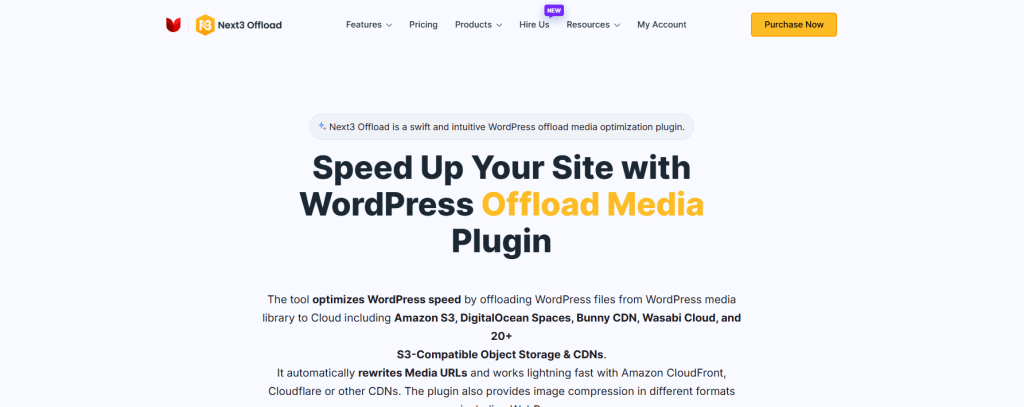
Next3 Offload is created for seamless media offloading to cloud storage services like Amazon S3, BunnyCDN, and 20+ S3 compatible storage. It’s a user-friendly solution. This plugin is also SEO-optimized for managing media files on WordPress.
Key Features
- Offers offloading media, image optimization, database optimization, assets (JS, CSS) offload, WebP conversion, automatic URL rewriting of offloaded media, etc
- Seamless integration with popular cloud services like Amazon S3, BunnyCDN, DigitalOcean, and 20+ S3 compatible storage
- Fast media delivery and optimized performance for improved website speed
- Automatic media offloading with options to manually select files
Next3 Offload offers a perfect balance of performance and affordability. It reduces page loading times. The easy setup is a big plus. It’s a great choice for WordPress users seeking efficient media offloading. It also improves page performance significantly. No complex configurations are needed.
Best For
- Fast-growing websites requiring scalable media solutions
- Businesses that need cost-effective, high-performance media management
- Users looking for an easy-to-use offloading solution that’s reliable and secure
2. WP Offload Media: A Popular Alternative
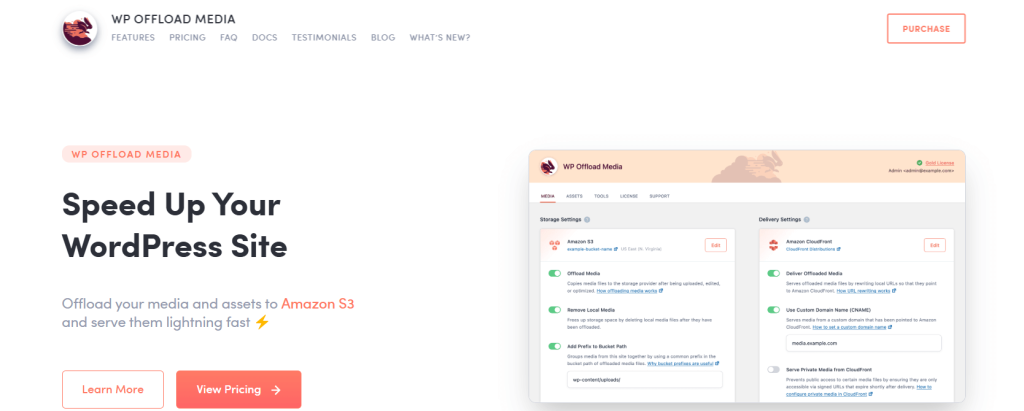
WP Offload Media is one of the most well-known offload plugins for WordPress. It offers a robust solution for cloud storage integration. This plugin works with services like Amazon S3 and Google Cloud.
Key Features
- Seamless offloading to cloud storage like Amazon S3, Google Cloud, DigitalOcean, etc
- Automatic offloading of media files to the cloud.
- URL rewriting for optimized media access
- Integration with other plugins for enhanced functionality (e.g., WP-CLI support)
WP Offload Media provides a reliable and mature solution. It offers extensive support for multiple cloud storage options. This plugin’s feature-rich design makes it a top choice. It is ideal for users who require a comprehensive media management solution.
Best For:
- Large-scale websites that need robust media management features
- Developers who require flexibility and advanced options
- WordPress sites that use a variety of cloud storage services
3. Media Cloud: A Strong Media Offloading Solution
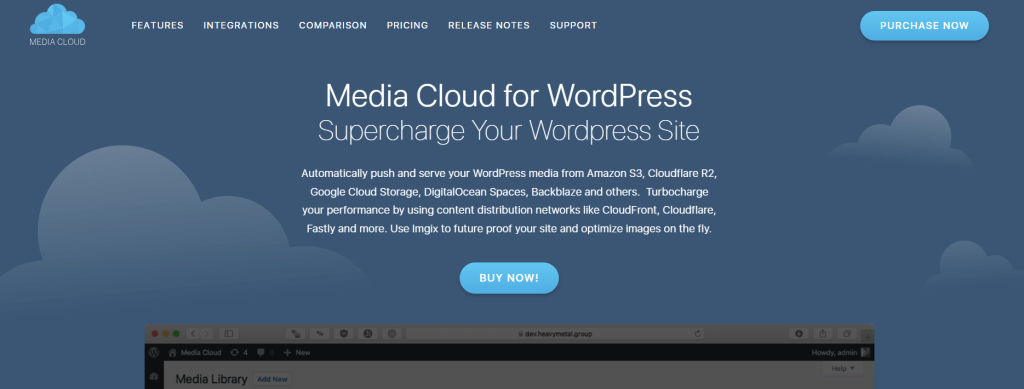
Media Cloud is another option for offloading your WordPress media. It supports cloud storage providers like Amazon S3, Google Cloud, and others. The plugin optimizes your media delivery with advanced cloud management features.
Key Features
- Integration with multiple cloud providers, including Amazon S3, Google Cloud, Microsoft Azure, etc.
- Image optimization for faster load times.
- Supports media offloading and URL rewriting for optimized access.
- Allows flexible media management through the WordPress dashboard.
Media Cloud offers cloud integration. It provides options for optimization and media offloading. This plugin is an ideal choice for users who need flexibility and advanced features for managing media on WordPress.
Best For
- Businesses with a large media library need scalable cloud solutions
- Users who want more control over media access and optimization
- Sites with heavy media content, like eCommerce or portfolio sites
4. Offload Media – Cloud Storage by Acowebs
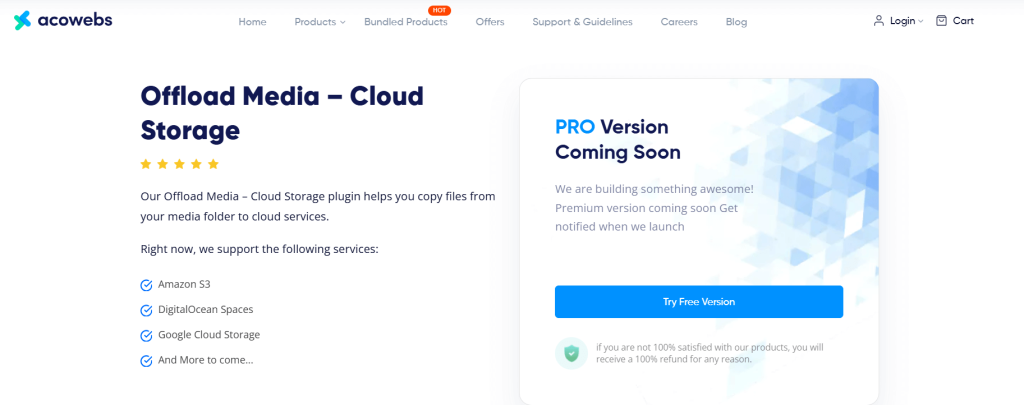
Offload Media – Cloud Storage by Acowebs is a feature-rich plugin for WordPress that works on media file management. It offloads images, videos, and other files to cloud storage providers like Amazon S3, Google Cloud Storage, and DigitalOcean Spaces. The plugin ensures faster delivery and optimized website performance by rewriting media URLs, especially when integrated with a CDN.
Key Features
- Automatic synchronization of media files to Amazon S3, Google Cloud Storage, or DigitalOcean Spaces.
- Option to delete media files from the WordPress server after offloading to the cloud.
- Customizable base paths for server storage and URL structures for media files.
- Object versioning to prevent media invalidation issues.
- Compatibility with custom CDNs for serving optimized media URLs.
- Seamless integration with WooCommerce for product media management.
- Full support for Advanced Custom Fields, enhancing functionality.
Offload Media – Cloud Storage is an excellent choice for users seeking efficient and secure media management. Its robust features and ease of use make it a reliable solution for optimizing WordPress websites.
Best For:
- Websites with large media libraries require cloud storage integration
- WooCommerce stores need efficient product media management
- Multilingual sites that require RTL and WPML support
5. Publitio Offloading: A Media Asset Management Solution
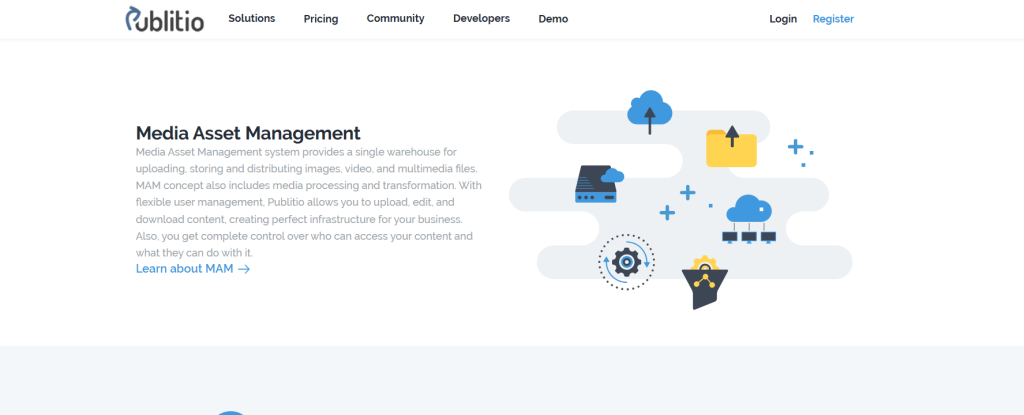
Publitio Offloading is a WordPress comprehensive media asset management (MAM) solution. It enables users to upload, store, and distribute images, videos, and audio files efficiently. With advanced media processing features, it ensures optimized performance, enhanced security, and seamless integration for managing digital assets.
Key Features
- Upload, store, and distribute images, videos, and audio files with ease.
- Manage permissions to ensure secure access to your digital assets.
- Scale, convert formats, tag, and watermark videos for better optimization.
- Optimize, manipulate, transform URLs, and protect images with privacy features.
- Transcode, resize, watermark, and adjust audio quality with URL-based transformations.
Publitio Offloading provides a flexible and scalable solution for handling media files, making it a valuable tool for WordPress users seeking efficient media management.
Best For:
- Websites with diverse media management needs, including video, image, and audio.
- WordPress users require scalable and secure cloud-based media storage.
- Developers and content creators seeking advanced media processing and customization options.
Comparison Table: Leopard vs Alternatives
To help you choose the best plugin for your needs, we’ve created a side-by-side comparison table.
This table highlights key features like cloud storage support, pricing, media optimization, and ease of use.
This comparison will help you find the perfect solution for your WordPress site whether you prioritize affordability, advanced features, or simplicity.
| Feature/Plugin | Leopard | Next3 Offload | WP Offload Media | Media Cloud | Offload Media – Cloud Storage | Publitio Offloading |
| Cloud Storage Support | Yes | Yes | Yes | Yes | Yes | Yes |
| Pricing | Paid | Affordable | Expensive | Paid & Free Version | Free Only. Pro Upcoming | Free and Paid |
| Media Optimization | Yes | Yes | Yes | Yes | No | Yes |
| Ease of Use | Moderate | Easy | Moderate | Easy | Easy | Easy |
| Compatibility | Limited | High | High | High | High | High |
| Additional Features | None | Multi-cloud support, database optimization | Image optimization | Image & video optimization | Secure access, pre-signed URLs | Media transformations, advanced processing |

Which Leopard Offload Media Plugin Alternative is Better?
The Leopard Offload Media plugin offers reliable media offloading. However, it might not meet everyone’s needs.
Whether you’re looking for better pricing, additional features, or more flexibility, exploring alternatives can help.
When deciding on a Leopard alternative, your choice depends on your specific needs. Let’s break down the best Leopard plugin alternatives to help you make the right choice.
- Next3 Offload if you want affordability and advanced features.
- WP Offload Media for premium performance on large-scale websites.
- Media Cloud if you’re budget-conscious and need flexibility.
- Offload Media – Cloud Storage if you’re looking for a lightweight offloading solution.
- Publitio Offloading for a flexible and scalable solution for handling media files
Final Thoughts
When it comes to offloading media, finding the right plugin is essential. It affects performance, scalability, and ease of use.
Leopard offers a reliable starting point. However, its alternatives provide greater flexibility, affordability, and advanced features. Whether you prioritize seamless integration, robust functionality, or cost-effectiveness. There’s a solution for you.
Evaluate your goals and website requirements to choose the best plugin for you. If you want an optimized, user-friendly, and budget-friendly choice, Next3 Offload might be a smart investment.